This page uses JavaScript. Your browser either does not support JavaScript or you have it turned off. To see this page properly please use a JavaScript enabled browser.

Digital Cards

interior masthead overlay
Home | Digital Cards
- A A A +

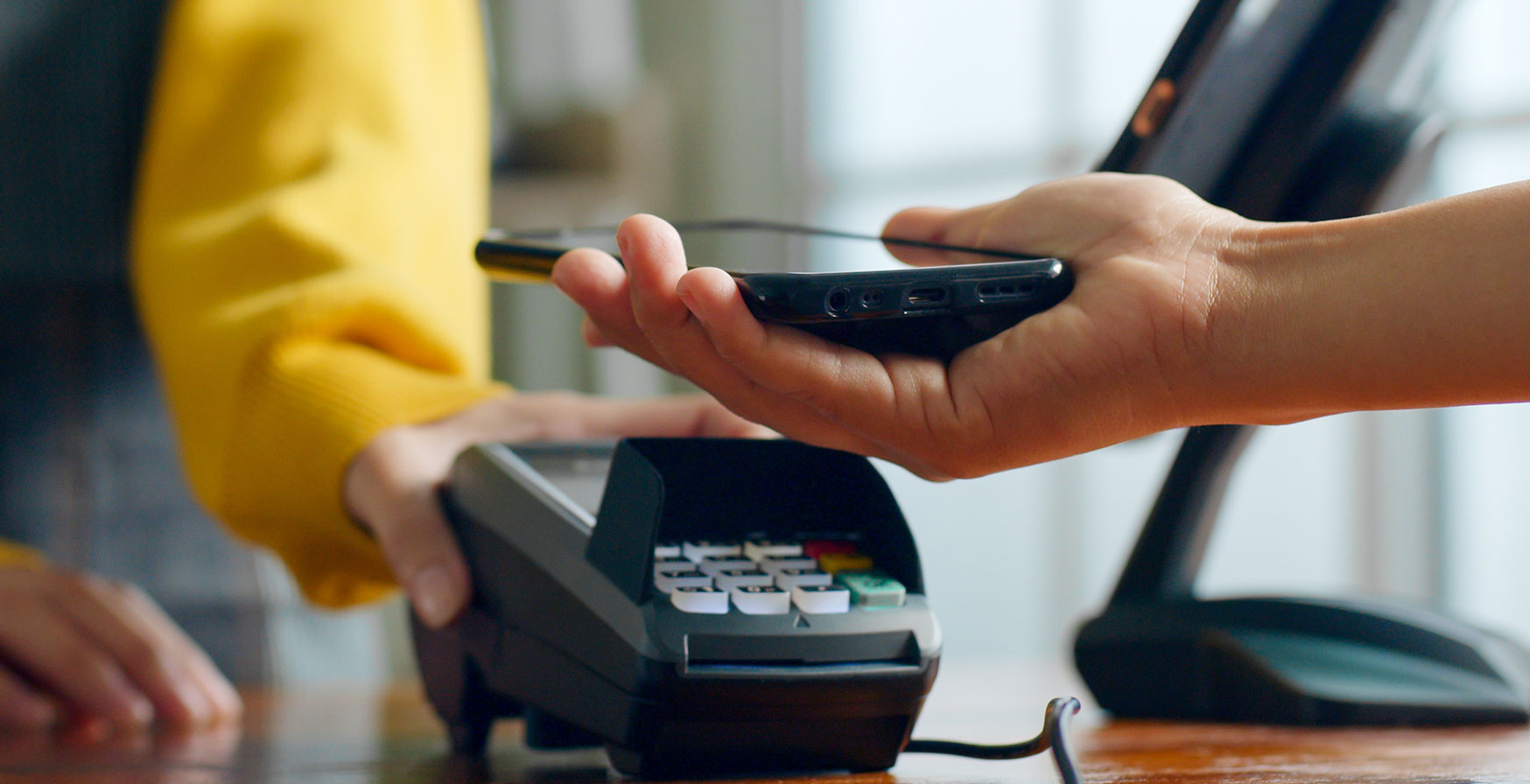
Confidence in every tap.

Add your card to a mobile wallet with the push of a button!

  1. Login to your Online Banking
  2. Navigate to a Share or Loan that has a card linked to it
  3. Click on 'Card Services'
  4. Click on 'Add to Google/Apple/Samsung Wallet'
  5. Follow prompts on screen to add card successfully (For security reasons, you will need to verify yourself with a 1-time pin which will be sent to your email or phone number on file.)
  • New Cards are issued during regular business hours, Monday-Friday 8 am-7 pm, Saturday 9 am-4 pm.

LOGIN TO ONLINE BANKING   Apply For a Rewards Card

Adding a Digital Card to Google Wallet

Adding a Digital Card to Apple Wallet

promo banner
Man on the phone excited

Have questions?

We're here to help! Reach out to us today, and we'll guide you through every step of the process.

Contact Us