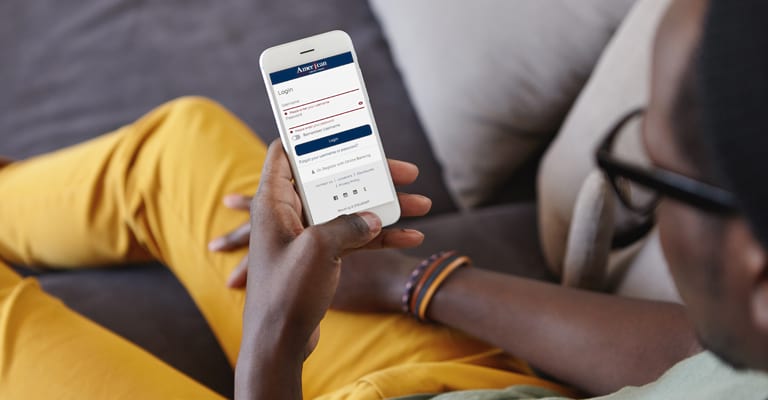
Do your banking anywhere there is an Internet connection with A1@home, American 1's secure web-based account management system. Log in with your account number and access code to take control of all your accounts. View account balances, transfer funds, make loan payments, and view e-statements from the comfort of your computer.
If you have access to the Internet, you now have access to your American 1 accounts through our no-cost home banking system, A1@home.
With A1@home, you can:
- Check your account balance and history
- Pay any bill, anywhere with Bill Pay
- Check your VISA history
- Request check copies
- Stop payments
- Request cashier’s checks
- Transfer money between your accounts
- Make loan payments
- Sign up to receive statements electronically (e-statements)
Signing up for home banking is easy - just call or stop into branch location to activate your account. You'll be given a passcode to access your account. To log in, simply enter your username and your password, and you're set!
You can use A1@home to access your checking statements online, too, with e-statements. E-statements (see below) notices are e-mailed to you immediately, so you don't have to wait for the mail. Access your e-statement from A1@home, where you can view check copies and balance your account without the danger of losing your statement. We host your statement on our secure servers, keeping your account information safe.